Free
$0
- 20 listings on your fitting rail
- 50 fittings a month
- Your AvatarFit-ready card and lines
For Etsy sellers
Shoppers try your tees and caps before they buy. The preview does not change their avatar. After a linked buyer’s sale, the piece’s twin goes on their avatar.
The fitting room puts the piece from your photo on the shopper’s avatar, pixel for pixel. It needs one clean photo of the piece on its own. Below are real listing photos that fit, and example photos of common mistakes, each beside what the fitting room did with it.

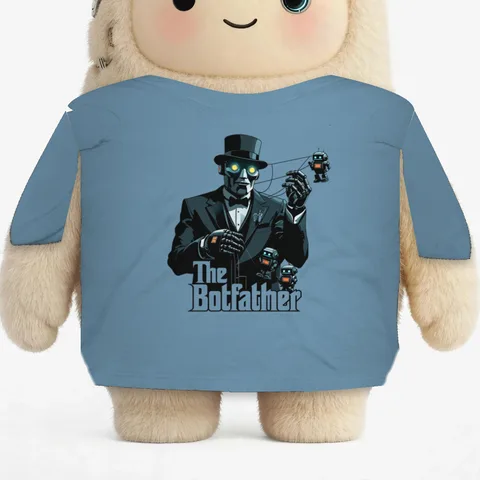
From IndieTeeLab’s listing
FitsFlat, front up
The whole tee on a plain background, sleeves out. The print goes on exactly as it is.


From IndieTeeLab’s listing
FitsA loud print is fine
Busy artwork is no trouble when the tee itself lies flat.
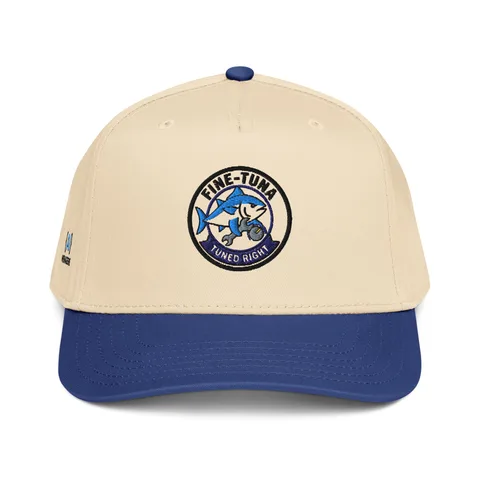

From IndieTeeLab’s listing
FitsA cap, straight on
Front view, brim toward the camera. The badge keeps every stitch.

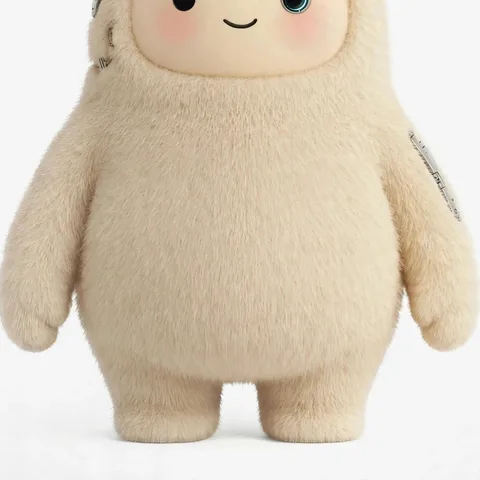
Example photo, not a real listing
Stays on the cutting tableOn a model
A body hides the tee’s shape, so there is no flat tee to measure.

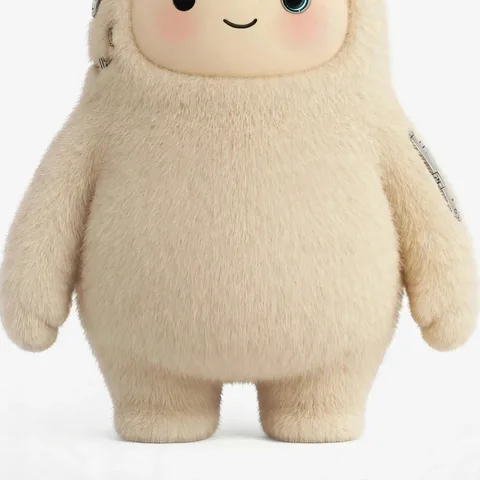
Example photo, not a real listing
Stays on the cutting tableOn a hanger
The hanger pulls the shoulders out of shape.

Example photo, not a real listing
Stays on the cutting tableIn a scene
Props and background get cut in with the cloth.
Every plan fits pieces the same way. A plan sets how many listings hang on your rail and how many fittings the room can press in a month.
A fitting counts when a shopper gets the piece on the avatar. A piece that stays held, or a fitting that doesn’t come back, doesn’t count. When the month’s fittings are used, the room waits until next month. There is no extra charge.
Free
$0
Starter
$9/mo
Pro
$29/mo
A shop starts on Free once it connects. You pick a plan after that. Back to the start